Building Sittally: From Google Sheets to the App Store
How a babysitting spreadsheet became Sittally, a Flutter and Firebase iPhone app shipped with agentic coding, and what this multi-part series will cover.
For years, managing babysitting gigs, hours, and invoices was a manual, clunky process. Like many side projects born out of personal necessity, it all started in a Google Sheet. It worked, but it was far from ideal.
In our case, the sheet was for my daughters. They do a lot of babysitting and mother’s helper work for families nearby, and they needed a way to track hours and invoice those families without losing track of who owed what. Some households had their own rounding rules. The formulas had to keep up. They could add line items and eventually export a PDF to share. It worked, but the invoices looked terrible, and wrestling with rows after a long sit was nobody’s idea of a good time.
As an engineer with over two decades of experience, I knew what a polished mobile experience should feel like. What I didn’t have was experience with Dart or Flutter, the exact tech stack needed to bring a modern, cross-platform app to life.
Instead of spending months reading documentation and learning a new language from scratch, I decided to test a different hypothesis: Could I rely entirely on agentic coding to build a production-ready app from the ground up?
That experiment turned into Sittally, a dedicated iPhone app built with Flutter and Firebase. It is live on the App Store.
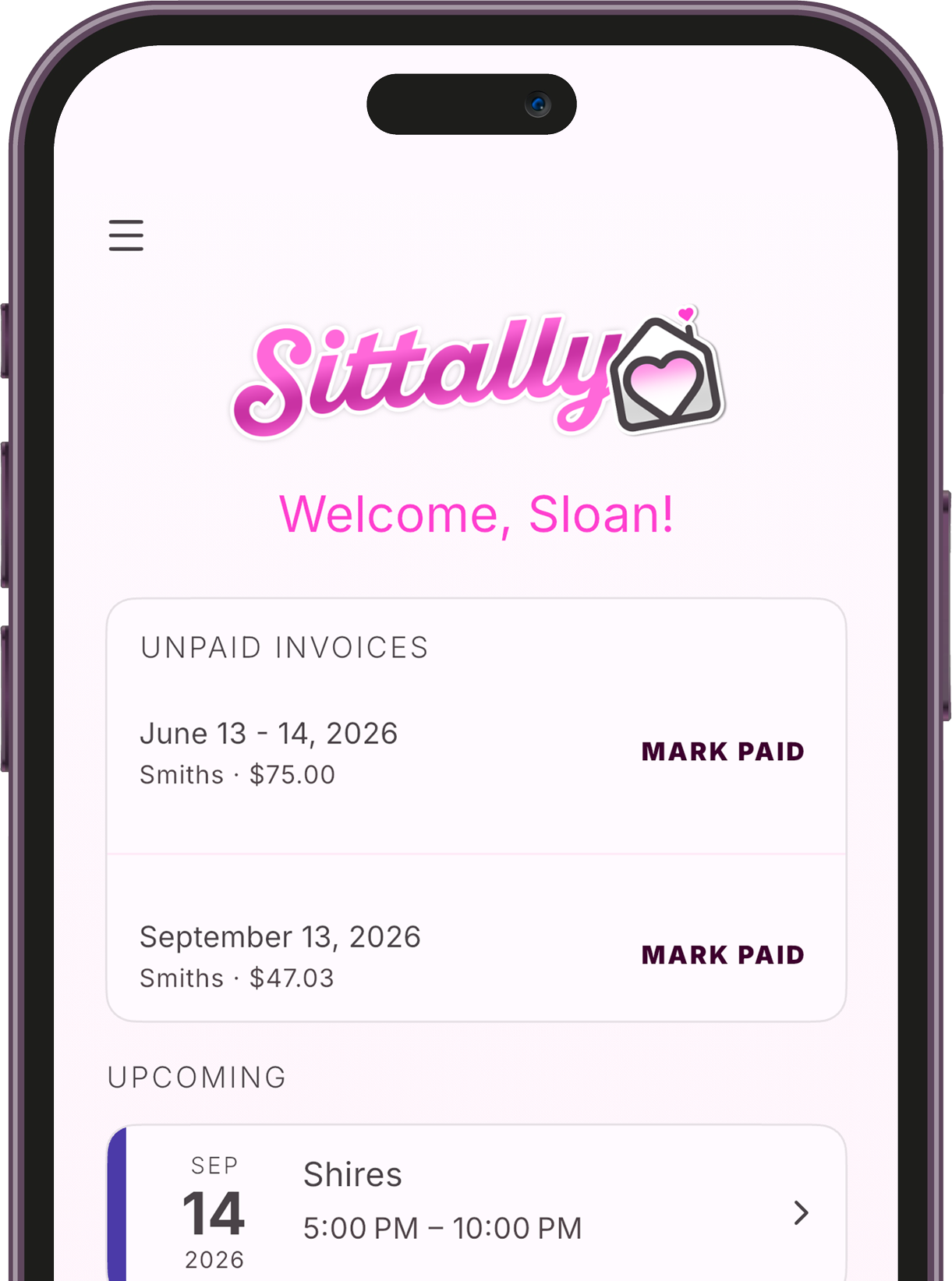
What Sittally is
Sittally is built for babysitters, mother’s helpers, and sitters of all kinds. The short version of the product promise: Track time. Send invoices. Get paid.
Under the hood of that tagline:
- Start a session in the moment, or log hours after the fact. Flat-rate sits skip the timer and still land on the invoice.
- Keep every family in one place: parents, kids, sitting types, and the right rate for each household.
- See recurring sits and one-offs on a calendar you actually check.
- Bundle open timesheets, add fees or tax, and share a clean PDF through Messages or any iOS share sheet.
- Mark invoices paid when the money lands, so unpaid work stays visible until it does.
I built it first for my daughters, and for every sitter who has been stuck in the same spreadsheet loop.
Why this series
This multi-part series is a breakdown of that journey. It is not just about the app itself, but about what it actually looks like to build software today using AI as a primary development assistant. We will cover how tools like Cursor changed the build process, why senior engineering oversight is still critical, and what it took to get a hobbyist project all the way into the App Store.
Topics I plan to dig into across the series:
- The spreadsheet problem and the product decisions that followed from real sitting workflows.
- Agentic coding in practice: prompting, scaffolding, and shipping Flutter without years of Dart experience.
- Where the human still owns the outcome: architecture, auth, Firebase data models, App Store review, subscriptions, and the sharp edges AI does not feel for you.
- Going to production: privacy, terms, Crashlytics, RevenueCat, and the last mile of a real listing.
If you want to try the app while the series unfolds:
- Website: sittally.app
- App Store: Sittally
- Lab write-up: Sittally on the Lab